Case study · Accessibility and components
A color picker is not accessible by nature, so I paired WCAG-compliant colors with patterns and icons.
An accessible color picker for the design system, so color is never the only way to tell labels apart.
- Role
- Designer
- Stack
- Figma, CSS, React library
- Status
- Launched
- 44Color combinations meeting WCAG AA
- 18Of those also meeting WCAG AAA
- LaunchedTo production, with follow-up design and testing planned
Step 1 · Context
One of the most up-voted feature requests had a built-in problem: color alone cannot carry meaning.
A color picker is not accessible by nature. The goal of this component was to let users choose colors for labels, and to offer alternatives such as patterns and icons.
OpportunityHow might label colors stay distinguishable for everyone, whatever they can see?
Step 2 · Key decisions
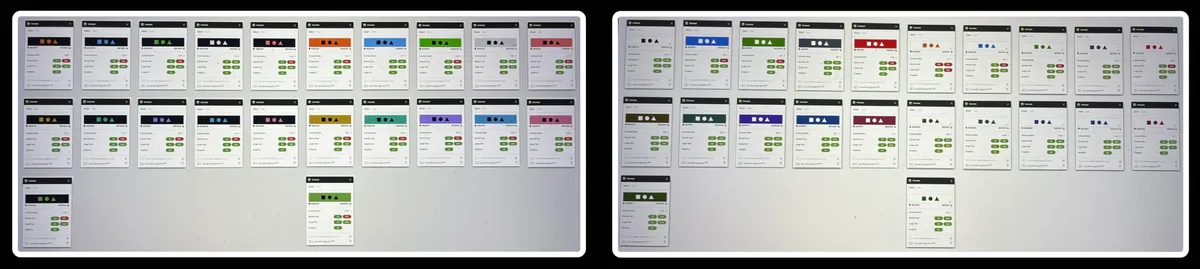
I verified every color against light and dark backgrounds and started with the most ubiquitous component, labels.
I chose a base set of colors from the design system palette. Each was checked against a light background (#ffffff), a dark background (#010101), and multiple layers.
In total, 44 combinations met WCAG AA, with 18 meeting WCAG AAA.
With the PM and development team, we agreed labels were the best place to start, since they are the most common across the system.
Step 3 · Final design
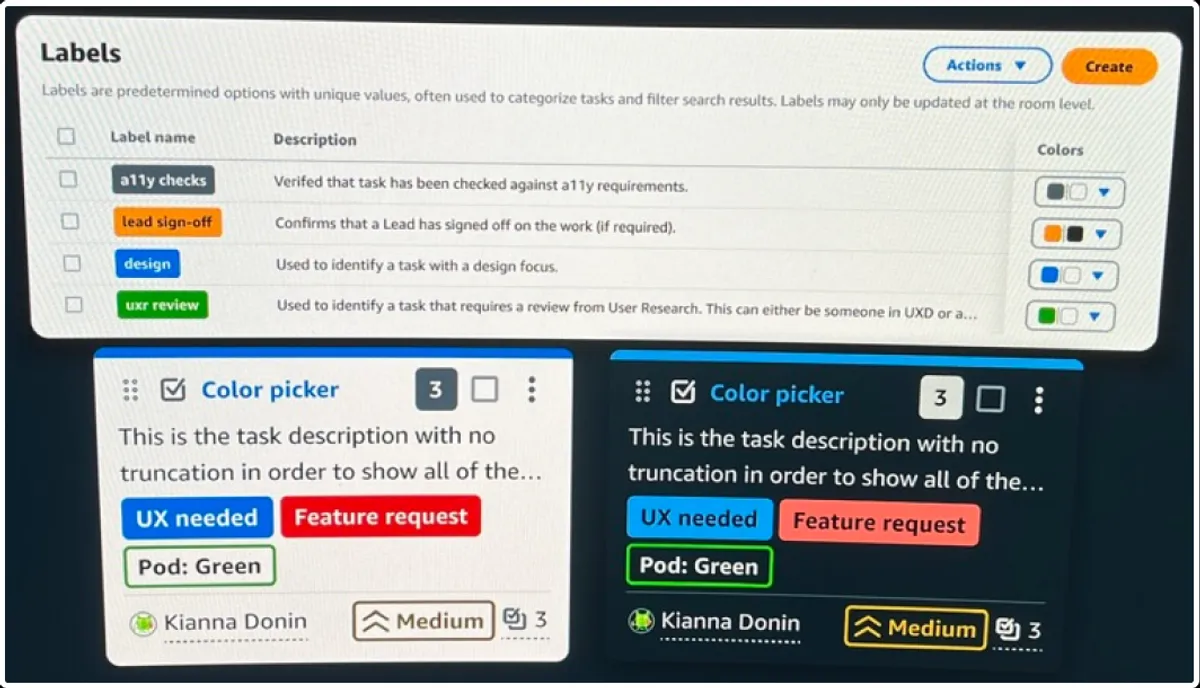
A prototype environment let us test the new labels in real time without exposing unfinished work to production users.
To compare the current label scheme with the new component, I worked with the development team on a prototype environment. I tested the interactions and visuals there, and tested the component with users.
Step 4 · Impact
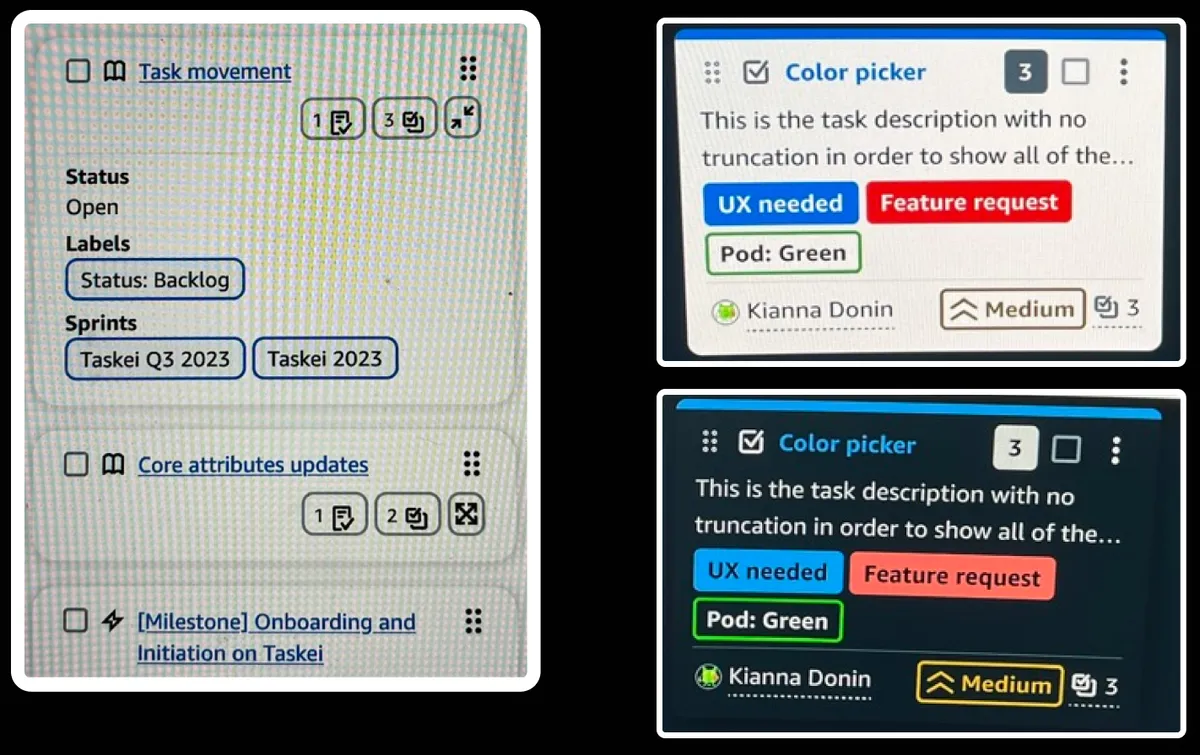
The color picker launched to production, and the findings fed another round of design and testing.
Measured results are not available for this page yet. What I can say is that the component shipped, and the findings from this round became follow-up work.